CRAVE INC. · PLAYER HELP
Help &
Settings
Game settings
Audio
MusicOffice, Cube, Preview, gameplay, and cinematic music.
Sound FXNic reactions, buttons, impacts, and environmental sounds.
Comfort
Reduce MotionShortens interface movement and cinematic camera motion.
Screen ShakeControls impact jolts during gameplay and Daily Report cutscenes.
Phone TiltTurn your phone into a ball maze in Nic's Office. Enabling may request motion permission.
Drawing HandPlaces equipped tools where they stay visible beside your finger.
Office Speech BubblesShow Nic's ambient taunts while you are in his Office.
3
Official Crave Inc. Training
How to Play
The exact interactive training from the craving game. Complete all three actions here.
Crave Inc. Training
How to Play
Complete the three actions to unlock QUIT YOUR CRAVINGS.
1POP YOUR EXCUSES
TAP THE BUBBLE

2THROW IT AT NIC
POP THE EXCUSE FIRST
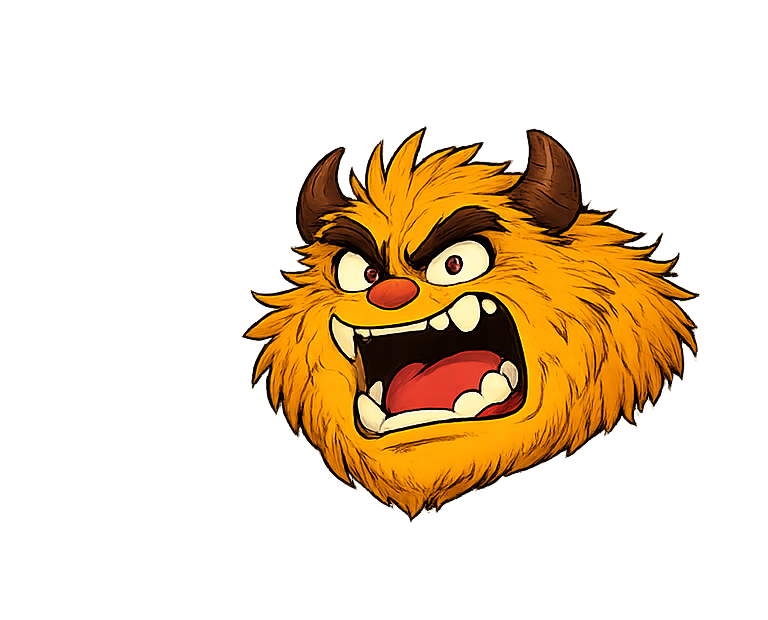
BAM!
3SAVE A REASON
Your FAMILY won't know.
HIT NIC FIRST
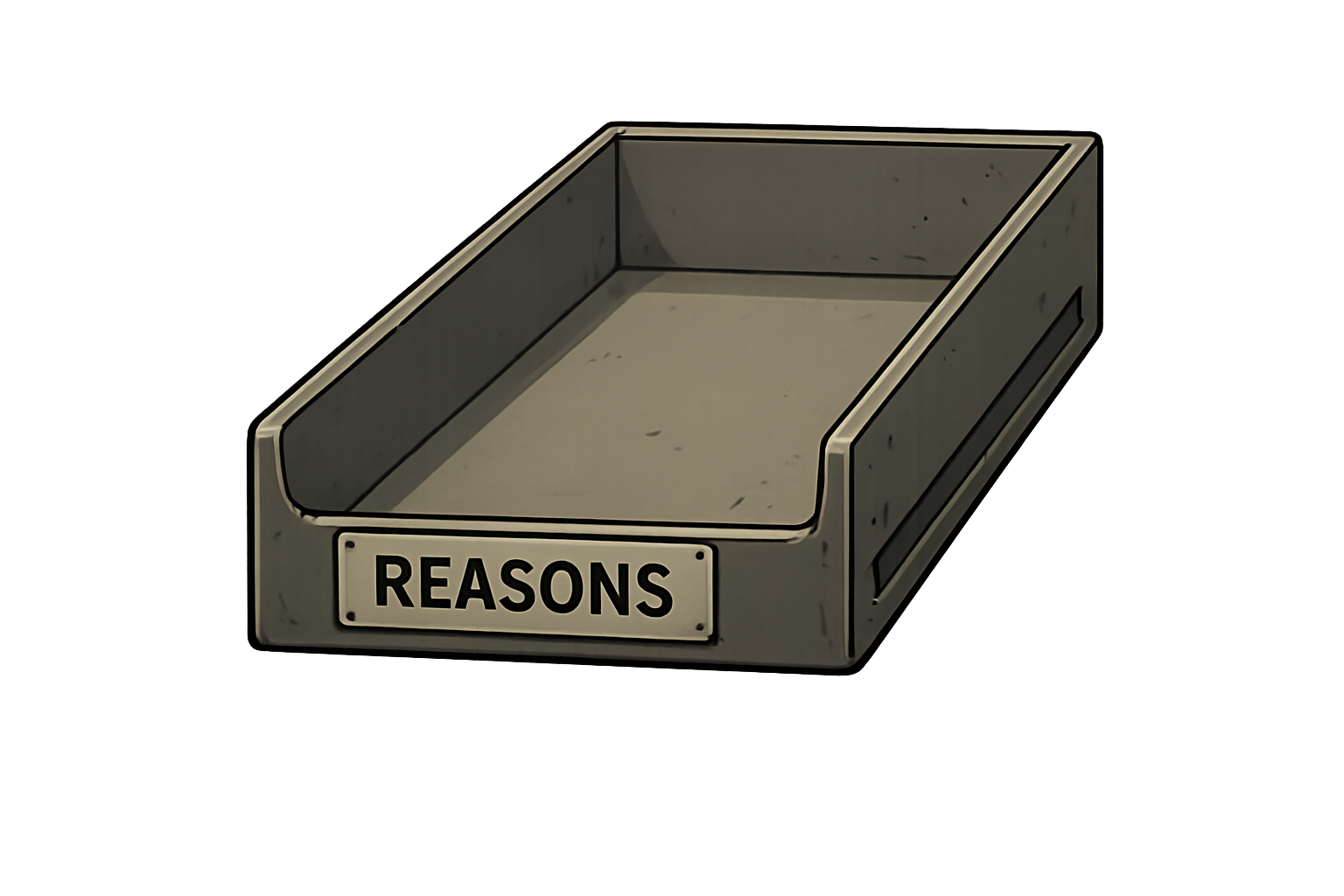
TRAINING COMPLETE · YOU’RE READY TO FIGHT NIC.
For immediate help quitting smoking or vaping
Talk to someone.
Free, confidential quit support is available across Canada. A trained specialist can help you make a plan, answer questions and connect you with local services.
In Ontario, visit Health811 online or call 811. Crave Inc. is not emergency or medical care. If your safety is at risk, call 911. For suicide crisis support, call or text 988.